


Your AI should
already know you.
It's time it did.
Your AI tools don’t
remember you
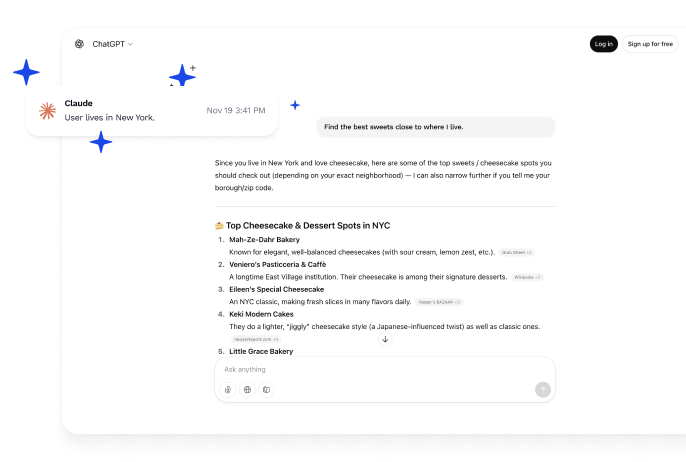
Every AI tool builds its own small memory of you.
Your context gets fragmented across different apps.

You keep starting over
You repeat the same instructions and preferences in every AI chat.
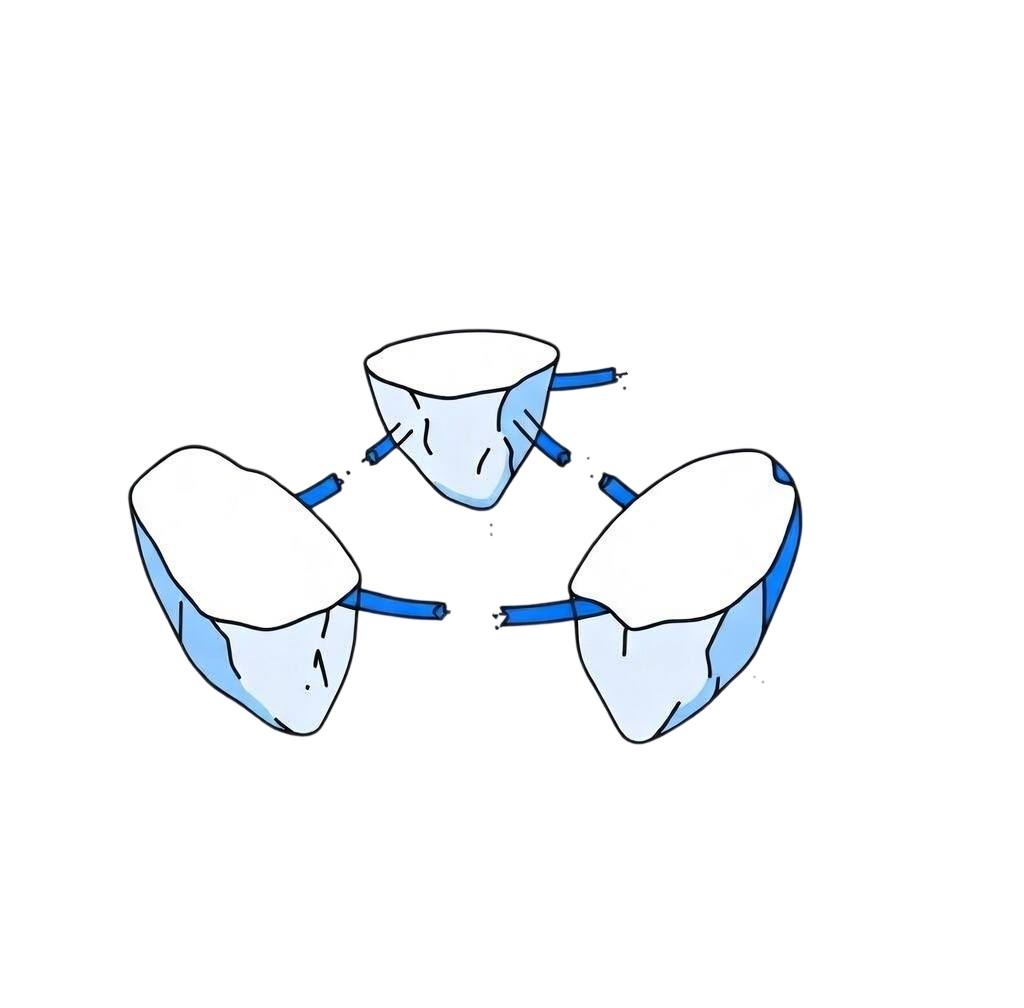


Your context is scattered
Different AI tools know different parts of your workflow.
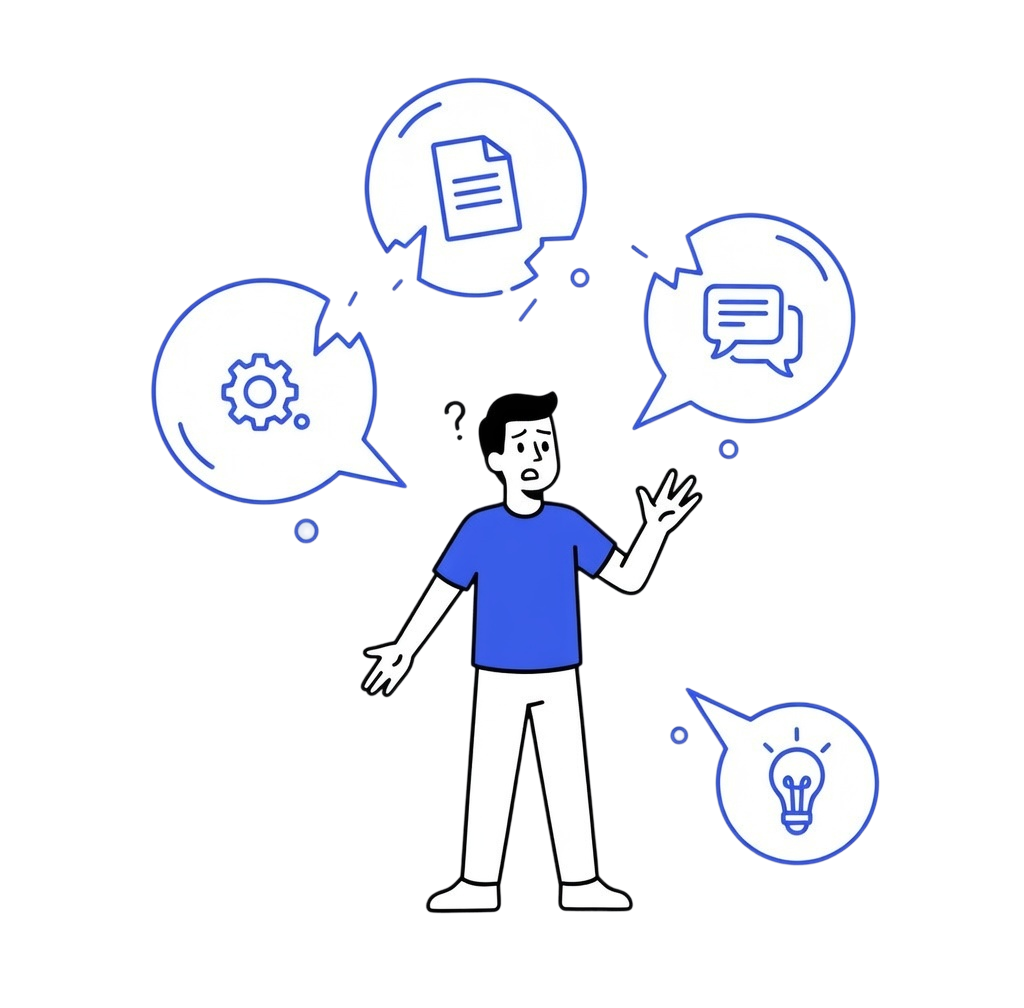
No unified memory
There’s no simple way to manage your context across tools.
Why SuperMem?
AI works better when it understands you. Get a private way to capture and use your context data across all your tools.
One place for your AI context
SuperMem helps keep your AI experience consistent across tools you already use.
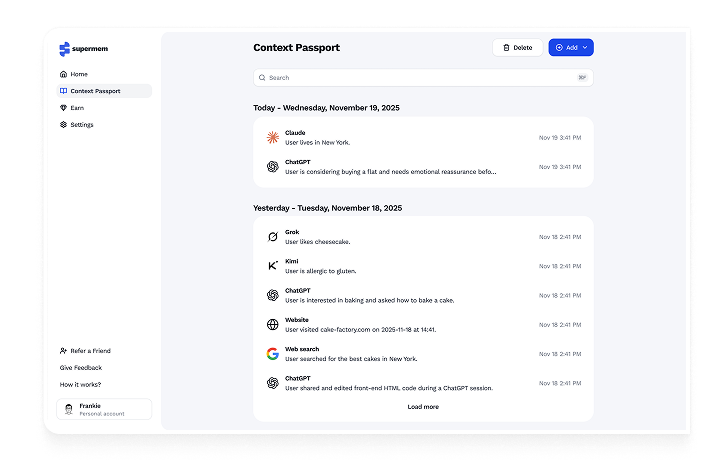
Capture your context
Save useful preferences, notes, and context as you work.
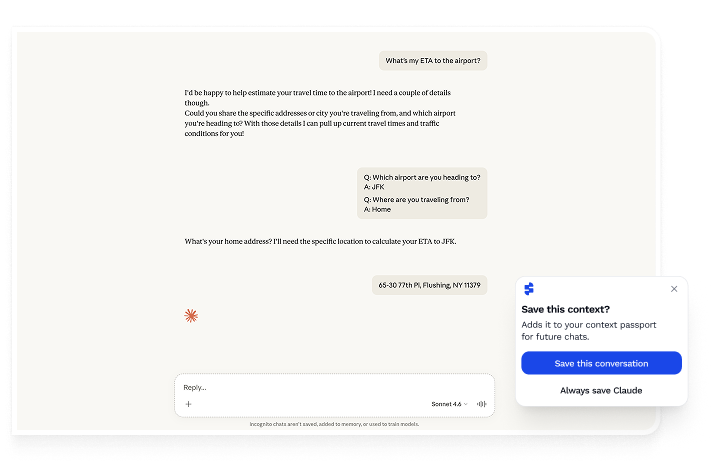
Better AI responses
AI tools can respond more consistently when your context stays available.
Stay in control
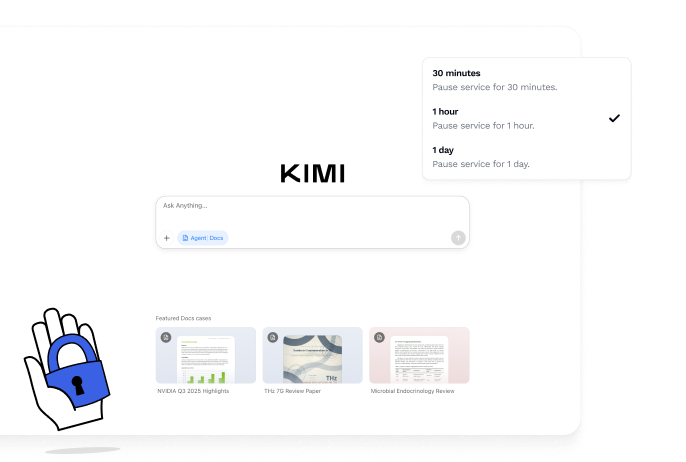
You decide when SuperMem is active and what information is used.
Make AI work more smoothly
Less repetition
Avoid re-explaining the same things across different AI tools.
More consistent answers
Keep your workflows and preferences aligned across tools.
Simple control
Manage your context with clear and simple controls.
Your data stays under your control
Your context memory is encrypted before it leaves your device and stays protected in transit and at rest. SuperMem gives you transparent controls to manage what is collected and when it is active.
Your data stays private
Your context is never shared, tracked, or monetized.
You control what is saved
You control your data and decided how it is stored.
Granular permissions
Enable only the signals you trust: AI prompts, searches, or visited domains.

Works with tools
you already use
SuperMem connects with the AI tools and productivity apps in your workflow.


Frequently asked questions
SuperMem only collects the inputs and data you choose to enable, such as your prompts to AI tools, searches, visited domains, or uploaded files. You can see, edit, or delete everything at any time.
Yes. All your context is encrypted before it leaves your device.
When you type in your AI tools, SuperMem effortlessly adds the relevant parts of your context so responses are more accurate. You can use invisible mode or a visible demo mode to see what is added.
You can use Delete and Burn to permanently erase your entire context data. After the short grace period, the data becomes unrecoverable.
Yes. Your encrypted context syncs to your web dashboard, and you can use it across browsers where the extension is installed.
Your Context Passport is your private identity for your memory. It controls your encryption and keeps your data isolated from others.
No. SuperMem only collects the specific categories you turn on. It cannot access your email, chats, or files unless you explicitly upload them.
No. Your data is used only for your own AI interactions. Nothing is sold, shared, or used for training models.
Yes. You can pause everything with a single toggle or pause individual categories like AI prompts, searches, or websites.
Yes. With consistent context data, AI tools give more accurate, and personalized answers and require fewer prompts. It saves time across every tool you use.
No. The extension runs lightweight operations and is optimized to avoid performance overhead.
Yes. You can use the whitelist and blacklist to specify exactly where context should or should not be used.